
ProArena Compatibility Standard
Product Compatibility Policy
This policy explains how compatibility information is presented, which setup details shoppers should verify, how product guidance works, and what happens when hardware, software, dimensions, power, or platform requirements do not align.
Effective August 6, 2026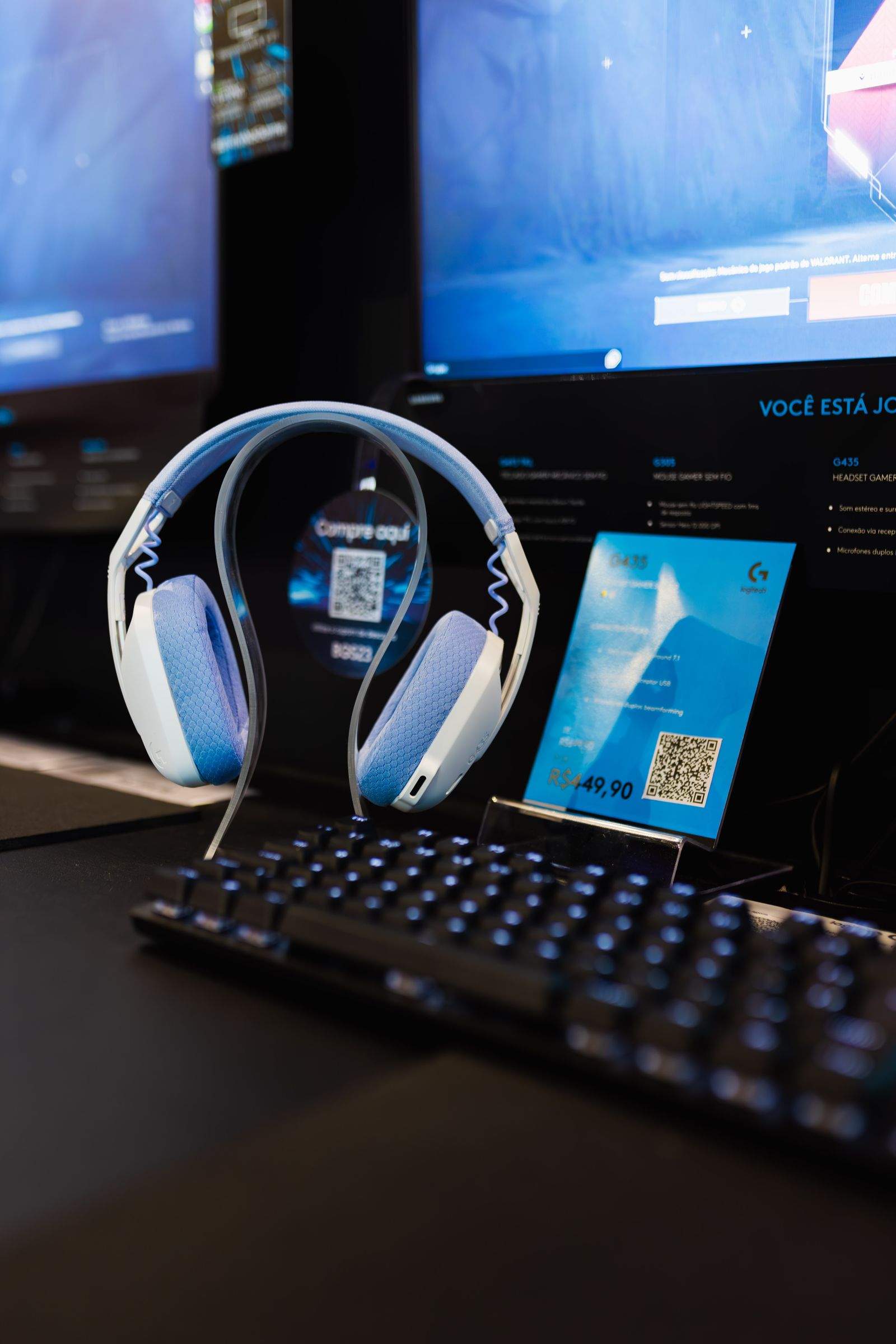
Compatibility at a Glance
A product is compatible only when the exact product variant and the shopper’s complete setup satisfy the required hardware, software, electrical, physical, regional, connection, account, and operating conditions.
Match the exact model
Compatibility may differ by size, generation, connector, color variant, regional version, wireless standard, included receiver, bundle, or revised product edition.
Review every connected component
The result can depend on the console, computer, mobile device, display, operating system, hub, adapter, receiver, cable, mixer, mount, cockpit, case, software, or account around the product.
Use the current product information
Review the product page, specifications, compatibility notes, included components, instructions, manufacturer documentation, and any clearly displayed limitation before ordering.
Mandatory protections remain intact
This policy does not remove rights or remedies that applicable consumer law does not permit ProArena to exclude, restrict, or waive.
Required Compatibility Checks
Confirm Before You Connect
Compatibility should be checked before checkout and again before installation. A matching connector alone does not confirm full support, performance, power delivery, software control, or safe operation.
Platform and operating system
Confirm the exact console generation, computer operating system, mobile device, handheld system, VR platform, or simulation environment.
Ports, protocols and adapters
Verify connector shape, USB generation, audio standard, video interface, wireless protocol, adapter direction, data support, charging support, and bandwidth.
Software, firmware and accounts
Check required applications, drivers, updates, permissions, subscriptions, sign-ins, supported versions, and administrative access.
Dimensions, mounting and power
Measure available space, VESA pattern, clamp range, thread size, cockpit fit, case clearance, weight limit, voltage, current, wattage, and plug standard.
The Compatibility Signal Chain
The final result depends on every stage between the source device and the product. One unsupported link can affect recognition, power, control, audio, video, charging, tracking, or software behavior.
Source device
Identify the exact console, computer, handheld, phone, tablet, camera, racing system, flight system, or VR platform.
Connection path
List cables, hubs, docks, adapters, splitters, receivers, extension leads, capture devices, mixers, and passthrough equipment.
Power path
Confirm power source, voltage, wattage, current, charging protocol, battery type, regional plug, and power-sharing limits.
Software layer
Check drivers, firmware, applications, operating-system permissions, game support, account access, and configuration tools.
Physical environment
Measure desk space, mounting surfaces, display clearance, chair position, cable distance, cockpit dimensions, room layout, and ventilation.
Compatibility by Product Category
Different gaming products require different checks. The category matrix below identifies the most common compatibility areas without replacing the specifications for the exact product.
Mouse, keyboard and controller checks
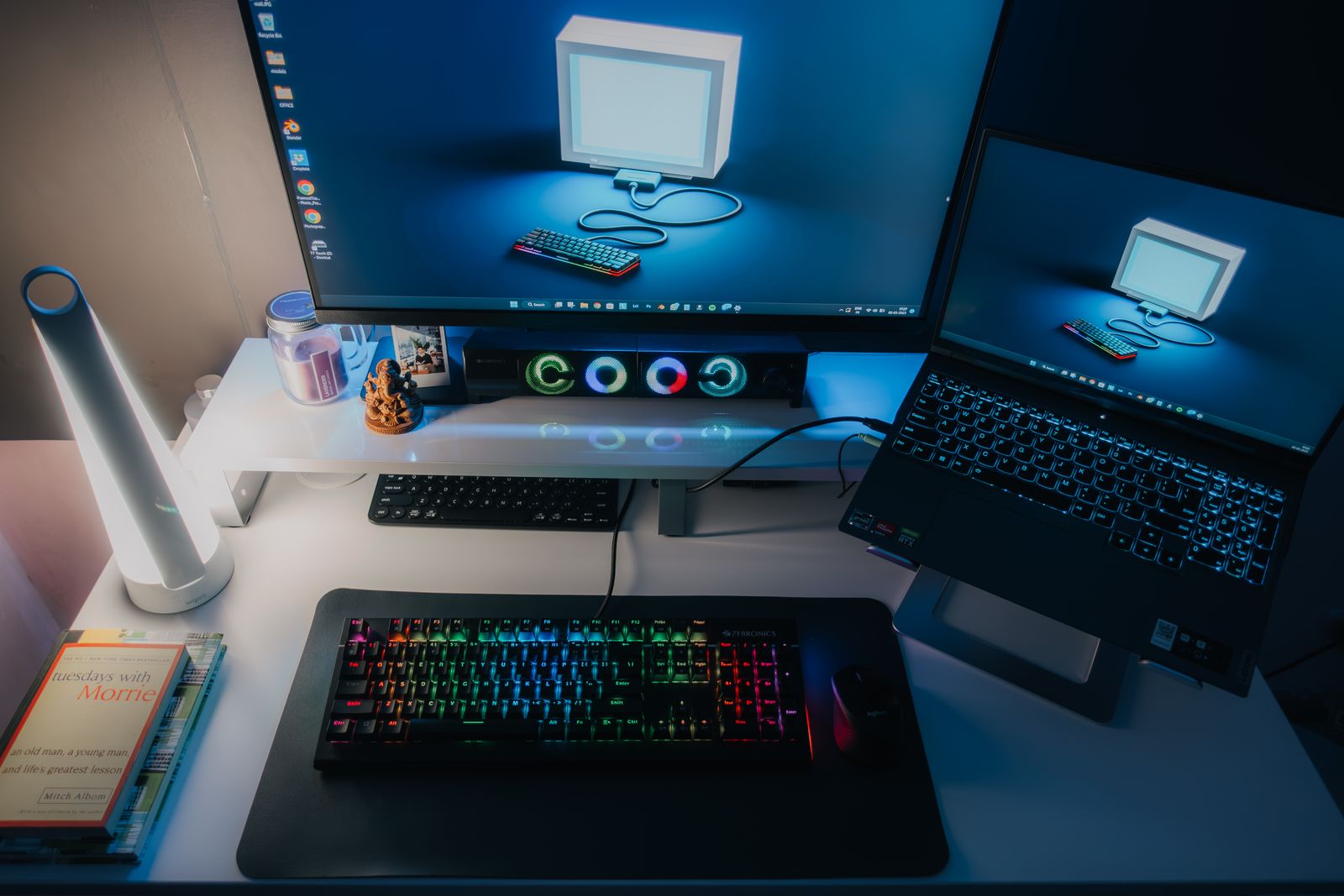
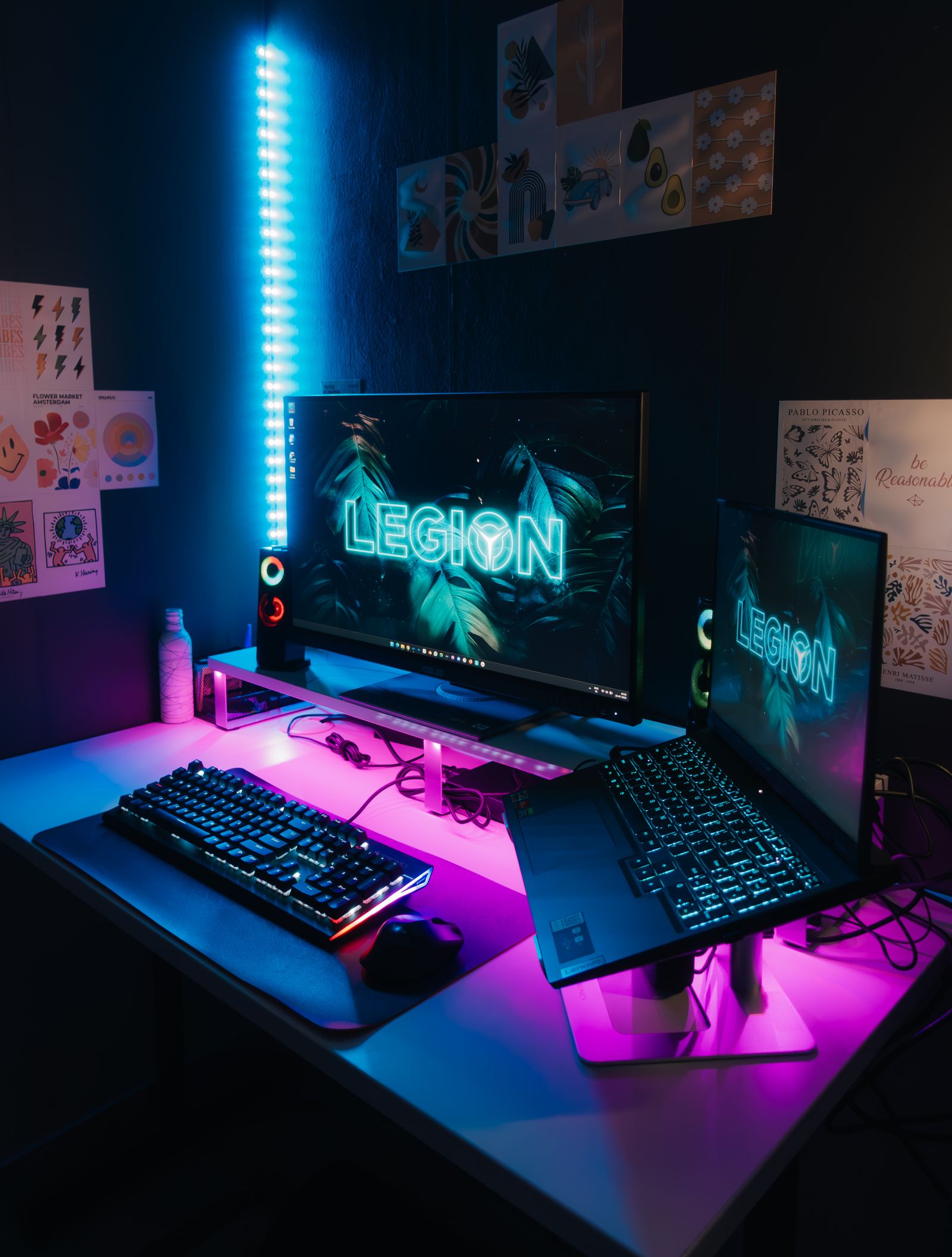
Confirm platform support, operating system, USB or wireless standard, receiver type, software, key mapping, controller protocol, firmware, polling behavior, layout, case clearance, and charging method.
Headset, microphone and mixer checks
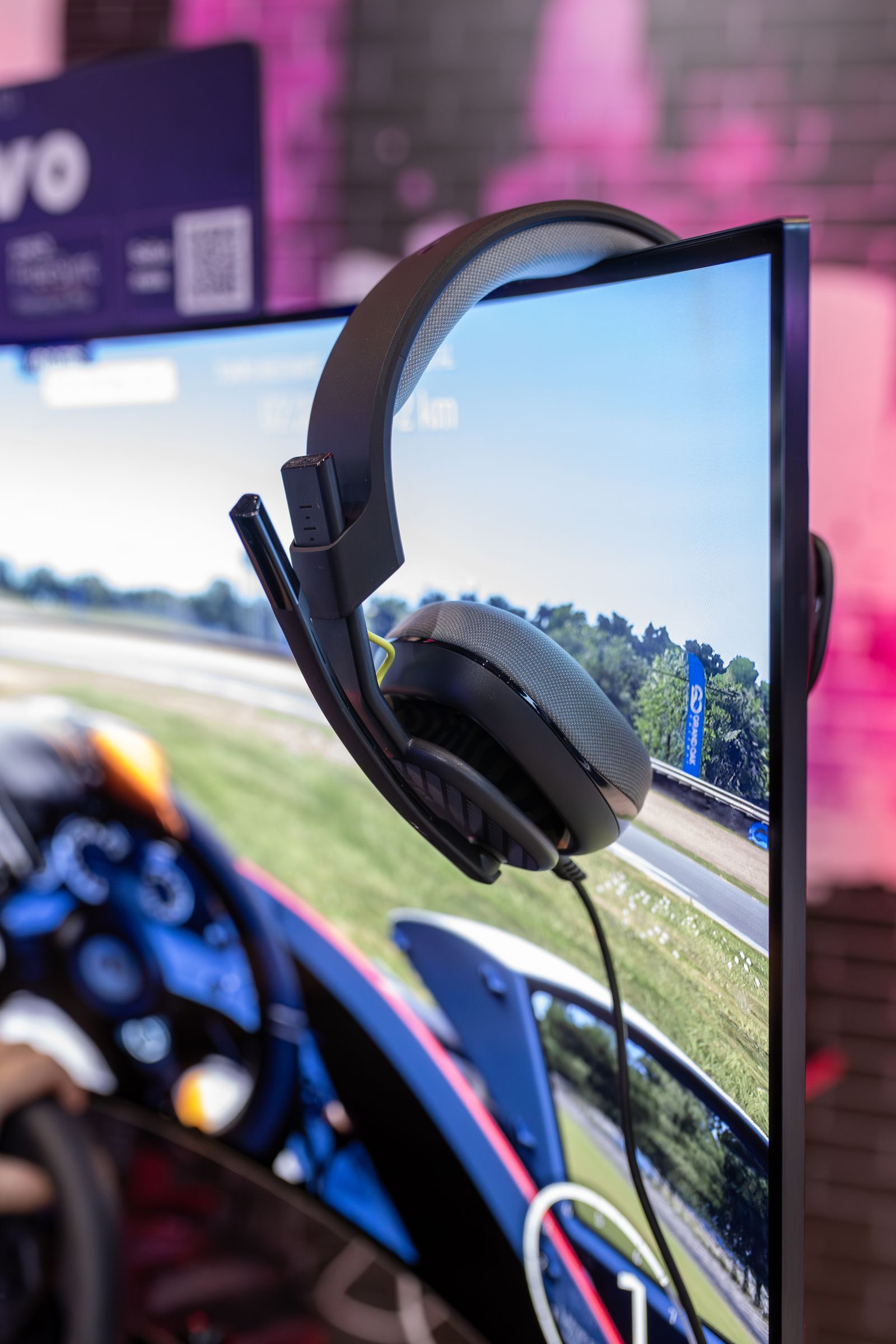
Confirm connector type, audio input and output routing, microphone support, impedance or power needs, wireless protocol, console restrictions, monitoring, software, boom or stand thread, and available desk space.
Camera, capture and lighting checks
Confirm source device, resolution, frame rate, passthrough, HDCP or content restrictions, USB bandwidth, video standard, software, camera mount, power, lighting mount, and audio routing.
Device fit and mobile support
Confirm phone or handheld model, case thickness, connector access, operating system, controller support, dock dimensions, charging protocol, cooling clearance, screen protector fit, and wireless requirements.
Racing, flight and immersive checks
Confirm platform, supported games, drivers, wheelbase or yoke ecosystem, mounting pattern, cockpit dimensions, pedal fit, force-feedback support, power, calibration, tracking area, headset generation, and accessory standards.
Monitor, arm and station checks
Confirm resolution, refresh rate, video interface, adaptive-sync support, display output, VESA pattern, weight limit, clamp range, desk thickness, cable clearance, stand footprint, viewing distance, and power requirements.
Compatibility Guidance
How Product Guidance Works
ProArena may help compare the information you provide with available product specifications and published requirements. Guidance is only as reliable as the exact model details, measurements, software versions, connection path, and intended use supplied for review.
Information used for review
Product pages, manufacturer materials, packaging details, technical specifications, manuals, software requirements, and the setup information supplied by the shopper.
Information the shopper should provide
Exact device model, operating system, ports, cables, adapters, connected equipment, dimensions, mounting surfaces, power source, software version, and intended use.
What guidance does not replace
Manufacturer instructions, safety limits, software terms, platform restrictions, professional installation requirements, regional electrical rules, or an express written warranty.
Written confirmation
Only a clear written statement that identifies the exact product and exact setup should be treated as a ProArena compatibility confirmation for that described configuration.
Compatibility Changes
When Support Changes Over Time
Compatibility can change after publication or purchase because of platform updates, operating-system changes, firmware revisions, software discontinuation, game updates, manufacturer decisions, regional restrictions, or replacement product revisions.
Operating-system and platform updates
New versions may change permissions, drivers, device recognition, audio routing, controller support, display behavior, or software access.
Firmware and software revisions
Updates may add, remove, repair, restrict, or change features, presets, profiles, calibration, lighting, control mapping, and account requirements.
Product and accessory revisions
Later manufacturing versions, bundles, connectors, receivers, cables, packaging, included parts, or regional models may differ from earlier versions.
Third-party service changes
Game developers, platform providers, app stores, streaming services, account systems, and manufacturers may change support outside ProArena’s control.
Before Purchase and After Delivery
Compatibility should be treated as a decision process, not a single checkbox. Review the product before purchase, inspect the package after delivery, and test the supported setup carefully before the return window closes.
Measure and document
Record the exact models, ports, dimensions, mount pattern, desk thickness, cockpit space, cable length, power source, and software version.
Compare specifications
Review the product page, included components, required accessories, supported platforms, limitations, instructions, and any manufacturer compatibility list.
Inspect the delivery
Confirm the correct model, variant, regional version, receivers, cables, adapters, mounts, manuals, accessories, and packaging.
Test carefully
Use supported power, approved connections, stable placement, current software, safe mounting, and a controlled test before full installation.
Use the support window
Report a mismatch promptly and keep the product, packaging, included parts, order details, measurements, photographs, and test results available.
Decision Responsibility
Who Confirms Each Detail
ProArena presents available product information and may provide guidance. The shopper remains responsible for supplying accurate setup details, reviewing requirements, following instructions, and using the product within stated limits.
ProArena providesAvailable product descriptions, specifications, compatibility notes, included-component details, support guidance, return assistance, and clearly stated written confirmations when issued.
The shopper confirmsExact device model, platform, operating system, ports, cables, adapters, dimensions, mounting, weight limits, power, software, account requirements, region, and intended use.
Manufacturers and platforms controlFirmware, drivers, software availability, game support, platform restrictions, account rules, product revisions, manufacturer warranties, and future updates.
Installers confirmStructural suitability, mounting safety, electrical suitability, permanent installation, routing, load limits, local requirements, and any work requiring professional judgment.

Compatibility Outcomes
A compatibility concern may be resolved through setup correction, a required accessory, software or firmware adjustment, exchange, return, product support, or another appropriate remedy.
Setup correction
A supported port, direct connection, correct input, approved cable, stable power source, software permission, update, reset, or calibration may resolve the issue.
Required accessory
The setup may need a compatible receiver, adapter, cable, mount, hub, power supply, audio interface, dock, bracket, or other clearly supported component.
Return or exchange
Eligible products may receive free return or exchange support within 30 days when the product is not suitable for the verified setup.
Product or warranty support
A suspected defect, missing component, damaged delivery, or manufacturer-controlled issue may require troubleshooting, documentation, replacement review, or warranty guidance.
Compatibility Questions
Quick Answers
Review concise guidance about product listings, support confirmations, adapters, software updates, manufacturer requirements, returns, and compatibility information.
Does a matching connector guarantee compatibility?
No. Connector shape alone does not confirm data support, power delivery, bandwidth, audio routing, video standards, controller protocols, software recognition, or safe operation.
Can ProArena confirm compatibility before purchase?
Support can compare the exact setup details you provide with available product information. A confirmation should identify the exact product and exact described setup in writing.
What information should I provide for a compatibility review?
Provide the exact device model, platform, operating system, ports, cables, adapters, connected equipment, dimensions, mounting, power, software version, region, and intended use.
Can an adapter make every product compatible?
No. An adapter must support the required direction, protocol, data, audio, video, charging, power, bandwidth, and software behavior. Physical conversion alone may not be enough.
What happens when a software update changes support?
Review current manufacturer and platform guidance, update supported drivers or firmware, test direct connections, and document the change. Third-party updates may alter support outside ProArena’s control.
Can I return a product that does not fit my setup?
Eligible products may receive free return or exchange support within 30 days. Keep the product, packaging, accessories, manuals, cables, adapters, and order details available.
Does this policy replace the manufacturer warranty?
No. Manufacturer warranty terms, product instructions, platform requirements, software terms, and other applicable rights or obligations remain separate.
Need a Compatibility Review?
Provide the product name, exact platform or device model, operating system, ports, cables, adapters, connected equipment, dimensions, mounting details, power source, software version, region, and intended use.
The ProArena Service Spectrum
Support Across Every Connection
Product guidance is backed by free delivery, flexible ownership, automatic savings, and continuous assistance from selection through setup, care, returns, exchanges, and warranty support.
No shipping fee or minimum-order requirement is needed.
Accepted orders are expected within the published delivery window.
Eligible products receive return and exchange support.
The sitewide discount activates after successful email subscription.
Eligible promotional gaming gear displays automatic savings.
Help remains available for compatibility, products, orders, delivery, setup, returns, and warranty review.