
Compatibility Studio
Product Compatibility Help
Match gaming gear to your platform, ports, software, desk, mounting system, power setup, and performance goals before you order.
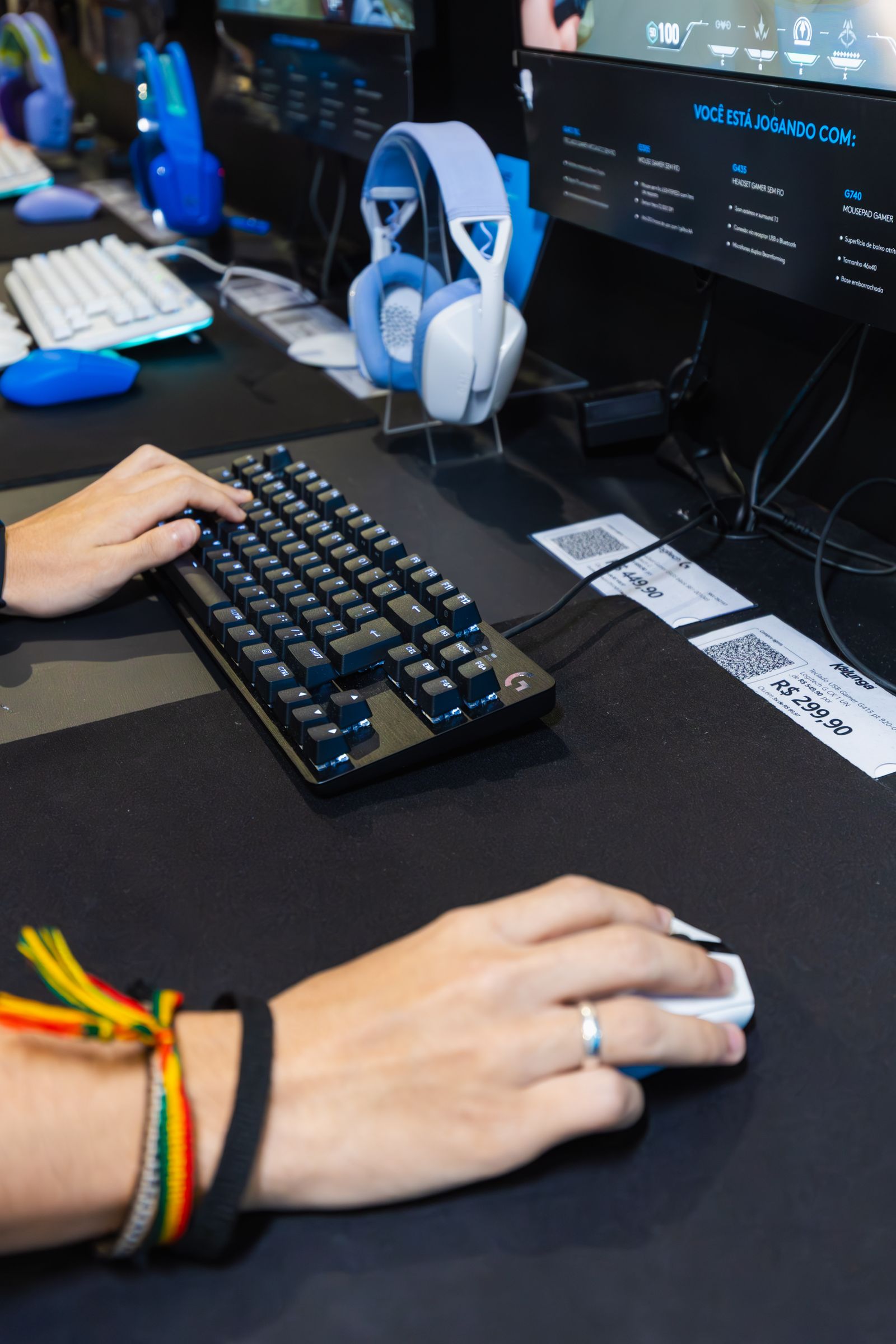
Your Compatibility Path
Work through these four checks in order. This prevents the most common mismatches and gives you a clear list of specifications to compare on each product page.
Identify the host device
Write down the exact PC, console, phone, tablet, handheld, cockpit, or VR platform the gear must support.
Confirm every connection
Check available ports, wireless standards, receivers, audio interfaces, display outputs, and required adapters.
Measure the physical space
Record desk depth, clamp range, monitor pattern, cockpit plate size, cable clearance, and nearby obstructions.
Review software and power
Verify operating-system support, drivers, firmware, companion apps, charging, and available power connections.
Six Core Checks
Compatibility is a combination of technical support and physical fit. Review all six areas rather than relying on a single platform label.
Platform support
Match the exact PC operating system, PlayStation, Xbox, Nintendo, mobile, handheld, simulation, or VR environment.
Ports and signal paths
Confirm USB-A, USB-C, 3.5 mm audio, HDMI, DisplayPort, Bluetooth, 2.4 GHz wireless, and receiver requirements.
Drivers and firmware
Check whether advanced profiles, lighting, remapping, equalization, calibration, or updates need manufacturer software.
Dimensions and mounting
Compare VESA patterns, clamp range, product weight, base footprint, cockpit plates, desk thickness, and movement clearance.
Power and charging
Review batteries, charging standards, power adapters, outlet availability, cable length, and external power requirements.
Included components
Confirm cables, adapters, receivers, mounts, stands, power supplies, and optional accessories needed for full operation.
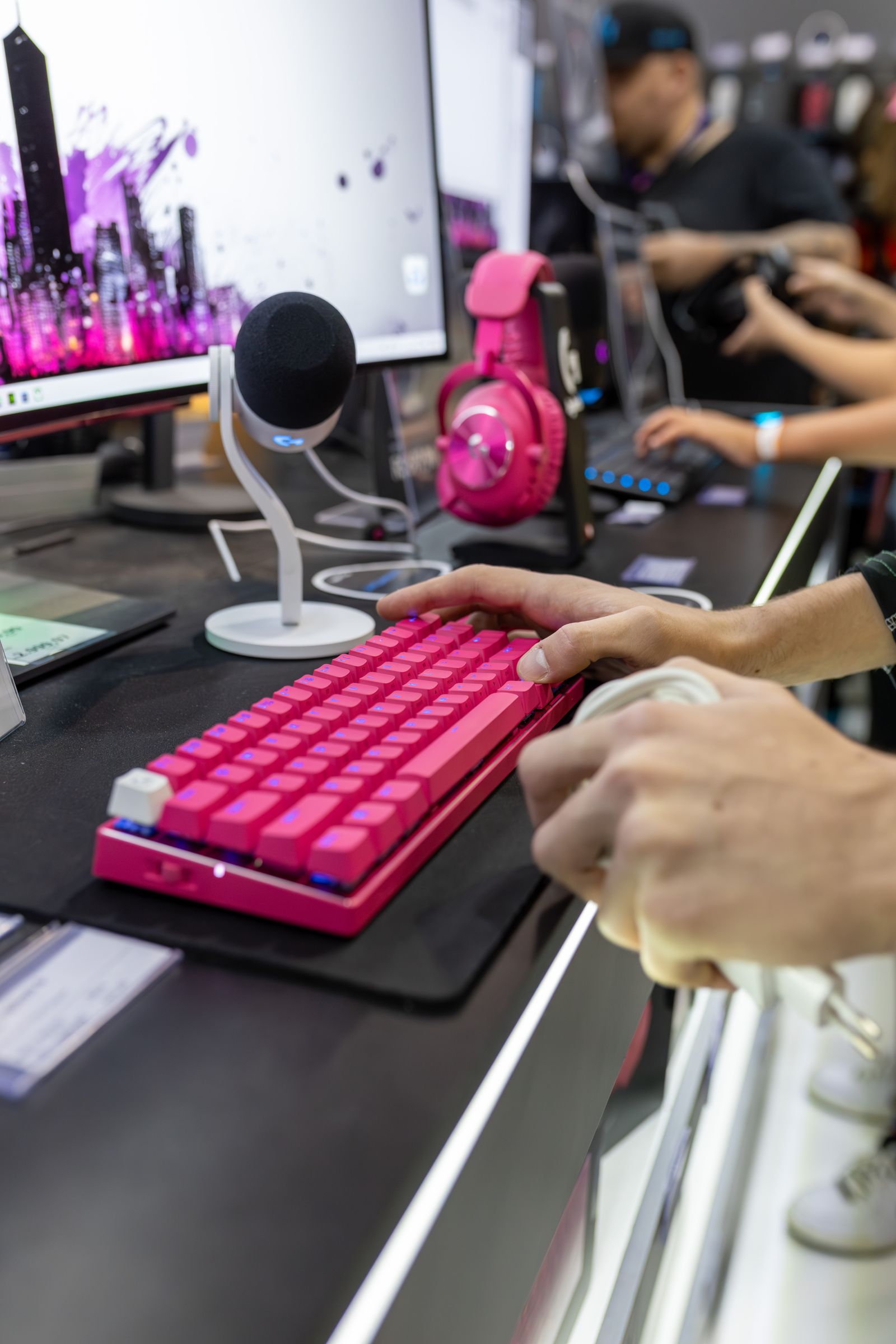
Mouse, Keyboard & Audio
Peripheral Compatibility
Gaming mice, keyboards, keypads, headsets, earbuds, microphones, speakers, mixers, controllers, and charging systems can share a platform while requiring different ports and software.
Input-device support
Check operating system, console support, receiver type, polling options, and remapping software.
Audio routing
Confirm headset connection, microphone input, mixer path, monitoring support, and chat compatibility.
Charging and cable access
Review dock fit, cable type, power delivery, battery requirements, and accessible desk routing.
Feature availability
Some lighting, profiles, surround modes, macros, or mixer controls may be limited by platform.
Capture, Camera & Streaming
Creator Signal Flow
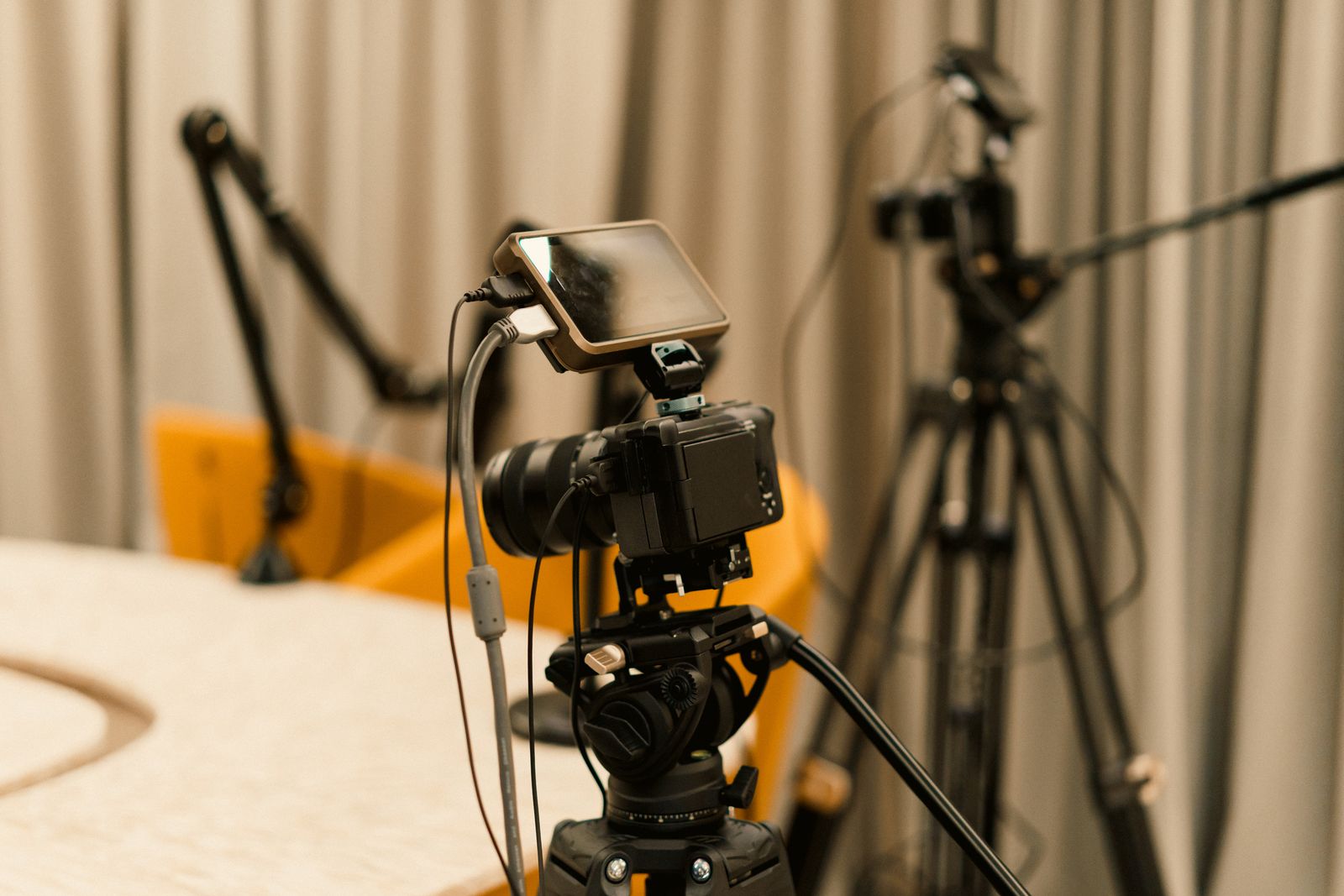
Capture cards, streaming cameras, microphones, control decks, lighting, backdrops, mixers, and monitor systems should be checked as one connected production chain.
Video input and passthrough
Match resolution, frame rate, HDR, HDMI version, passthrough display, and capture bandwidth.
Computer connection
Verify the required USB generation, available bandwidth, operating system, and compatible streaming software.
Camera and audio synchronization
Confirm supported camera output, microphone route, monitoring, delay controls, and mixer compatibility.
Racing, Flight & VR
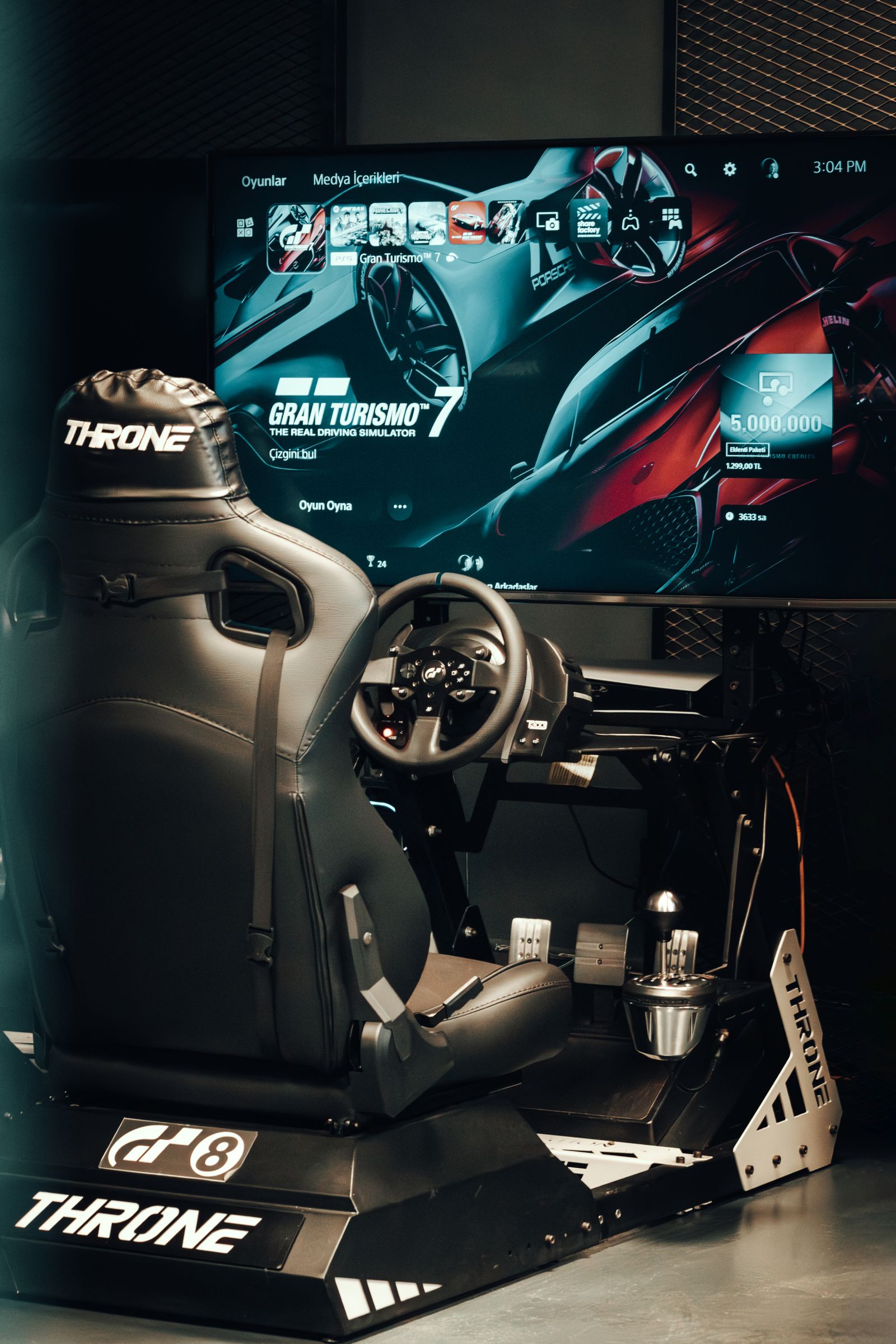
Simulation Compatibility
Simulation hardware combines platform support, mounting geometry, physical force, calibration software, power, displays, and user clearance.
Controllers & Mobile Gear
Portable Play Checks
Controllers, fight controls, mobile grips, charging systems, handheld accessories, earbuds, and portable displays often depend on exact dimensions, wireless standards, and operating-system support.
Device dimensions
Compare phone or handheld width, case thickness, button clearance, connector position, and supported screen size.
Wireless and operating system
Check Bluetooth generation, controller profiles, supported games, mobile operating system, and companion app.
Charging while playing
Verify pass-through charging, port access, cable angle, dock support, and power-bank requirements.
Compatibility Questions
Quick Answers
These answers cover common compatibility situations across gaming peripherals, streaming equipment, monitors, controllers, mobile accessories, simulation hardware, and VR.
Does a USB connector guarantee compatibility?
No. The physical connector may fit while the platform, operating system, driver, USB bandwidth, power requirement, or supported feature set remains different.
Can a PC gaming accessory work on a console?
Only when the product specifications name the console or confirm the required compatibility mode. Some PC features may remain unavailable on console.
How do I confirm monitor-arm compatibility?
Check the monitor weight, screen-size range, VESA pattern, desk thickness, clamp or grommet requirements, cable clearance, and desired movement range.
Why does companion software matter?
Software can control firmware updates, remapping, profiles, lighting, equalization, calibration, macros, and advanced performance settings.
What should I check for capture-card support?
Compare source resolution, capture frame rate, passthrough capability, HDMI version, HDR support, USB bandwidth, operating system, and streaming software.
How can I check headset and microphone support?
Review connection type, platform support, input and output routing, chat compatibility, monitoring, mixer requirements, wireless receiver, and charging method.
What information helps with a compatibility request?
Provide the product name, exact host device, operating system, available ports, desk or mounting dimensions, intended use, and any accessories already connected.
Can adapters solve every compatibility issue?
No. An adapter can change a connector, but it cannot always add platform drivers, software support, enough bandwidth, correct power, or missing features.
Need a Compatibility Review?
Send the product name, your exact gaming platform, operating system, available ports, desk or mounting dimensions, and the result you want to achieve.
ProArena Player Standard
Benefits That Support Every Setup
Clear delivery, flexible returns, automatic savings, and continuous support keep every stage of your ProArena experience straightforward.
Free shipping on every product
No shipping code or minimum-order requirement is needed.
Delivery within 3–5 calendar days
Dependable timing with tracking updates as your order moves.
Free 30-day returns and exchanges
Additional flexibility when a product is not the right fit.
Automatic 15% subscriber savings
The discount activates after successful email subscription with no code.
Automatic 20% selected-product offers
Eligible promotional gaming gear displays its savings automatically.