
ProArena Setup Lab
Gaming Gear Setup & Care
Build a cleaner, safer, and more comfortable gaming station with practical guidance for placement, connections, cable routing, cleaning, calibration, storage, and long-term equipment care.
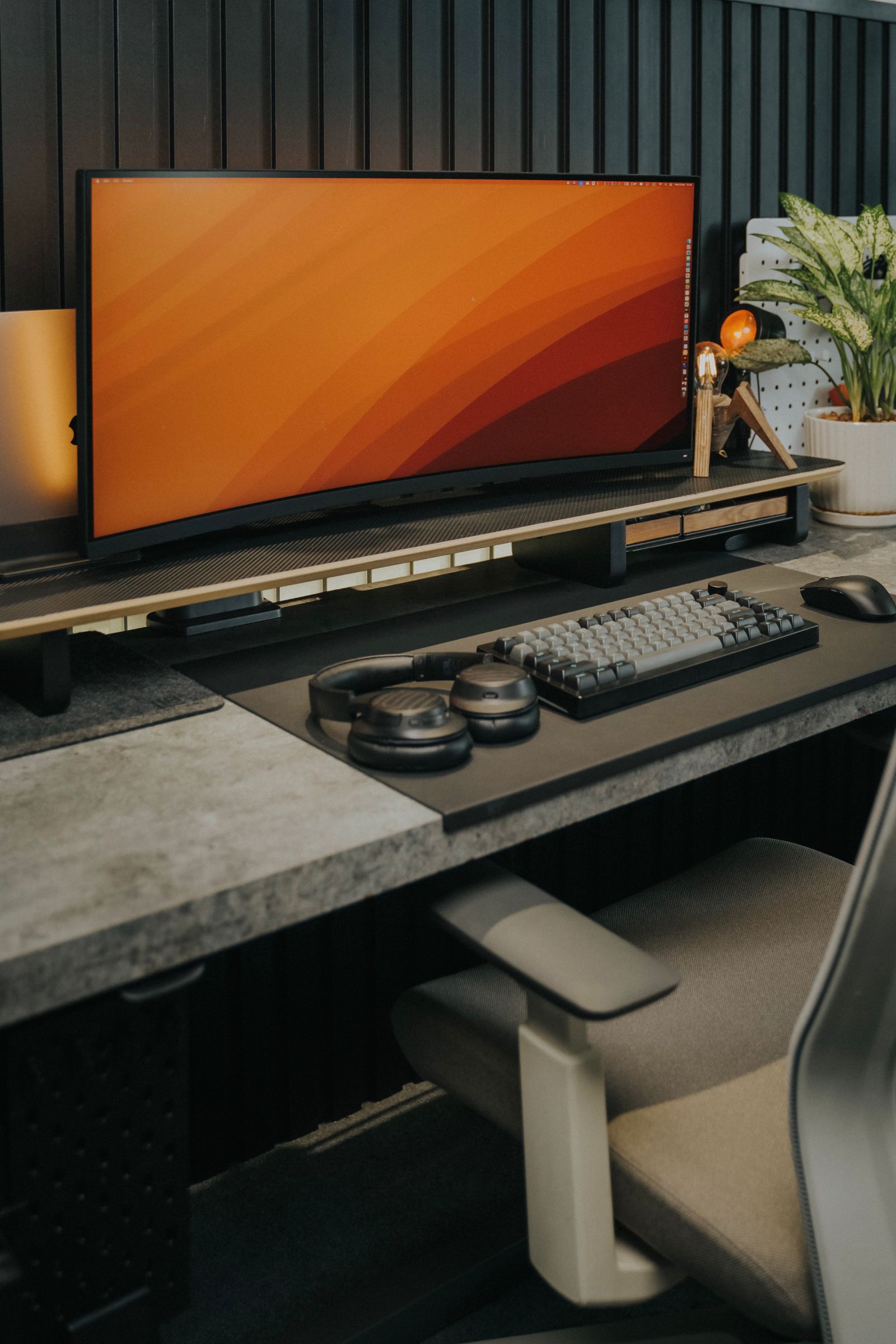
Station Architecture
Design the Setup Before You Connect
Map the desk, display, audio, input, capture, power, and comfort zones before connecting equipment. This reduces cable strain, blocked airflow, unstable mounts, and repeated repositioning.
Display field
Reserve stable space for monitors, stands, arms, cameras, lighting, speakers, and clear sightlines.
Control field
Position keyboard, mouse, keypad, controller, fight controls, or simulation hardware within comfortable reach.
Audio field
Plan headset storage, microphone reach, mixer access, speaker direction, and cable clearance.
Service field
Keep power, hubs, capture cards, receivers, chargers, cable channels, and cleaning access organized.
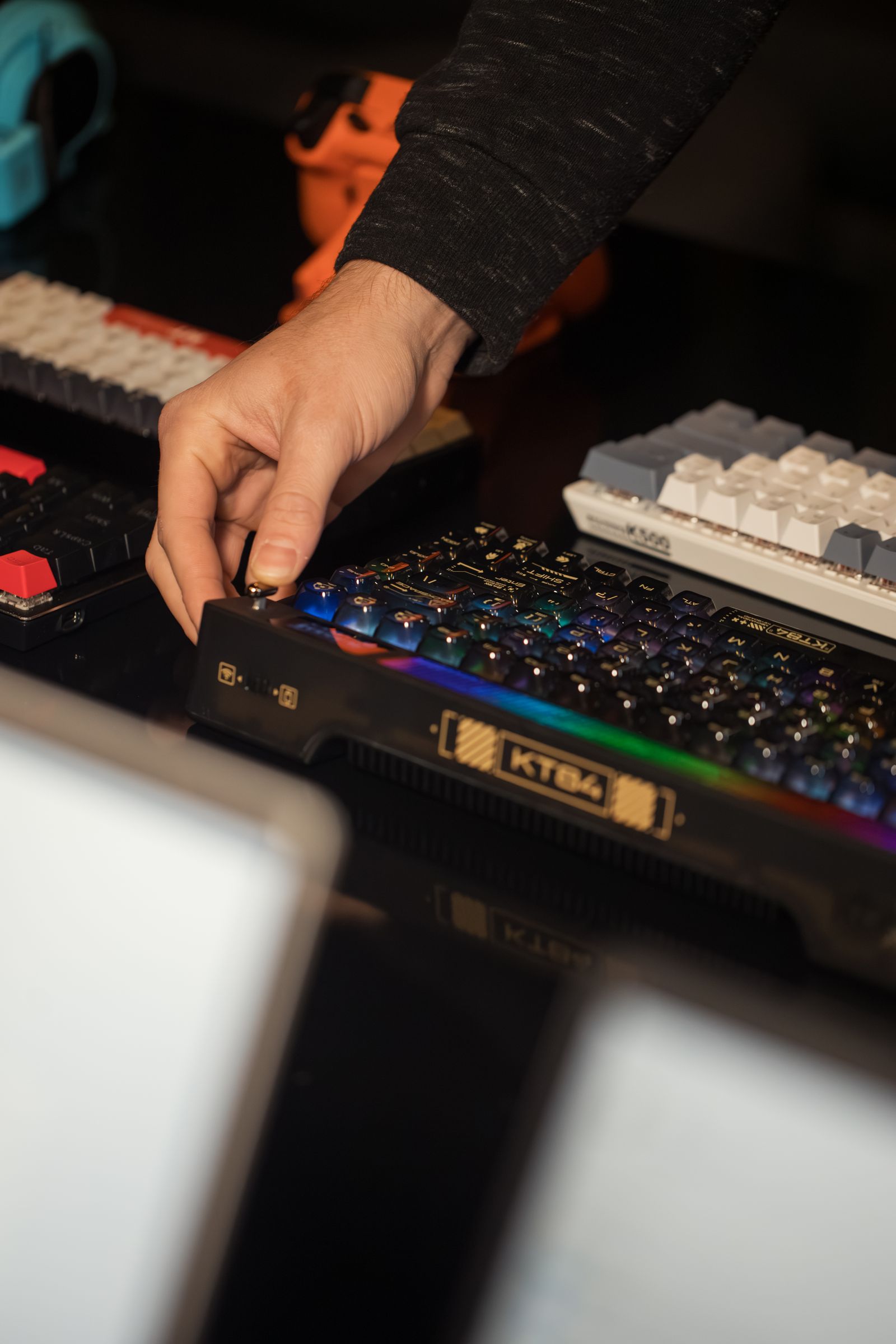
Placement & Fit
Build Around Natural Reach
A polished setup should feel stable and easy to use before lighting or decorative details are added. Start with posture, hand position, screen alignment, microphone reach, and the equipment used most often.
Keyboard and mouse
Keep both controls on a stable surface with enough room for natural wrist position and uninterrupted mouse movement.
Input placementMonitor and camera
Align the primary display with the normal viewing position and keep cameras clear of monitor edges, lights, and cables.
Visual placementMicrophone and audio
Set the microphone where it can reach the speaking position without blocking the screen, controls, or keyboard.
Audio placementSimulation hardware
Secure wheels, shifters, pedals, sticks, throttles, and mounts before calibration or force-feedback testing.
Control stabilityThe Cleaning Protocol
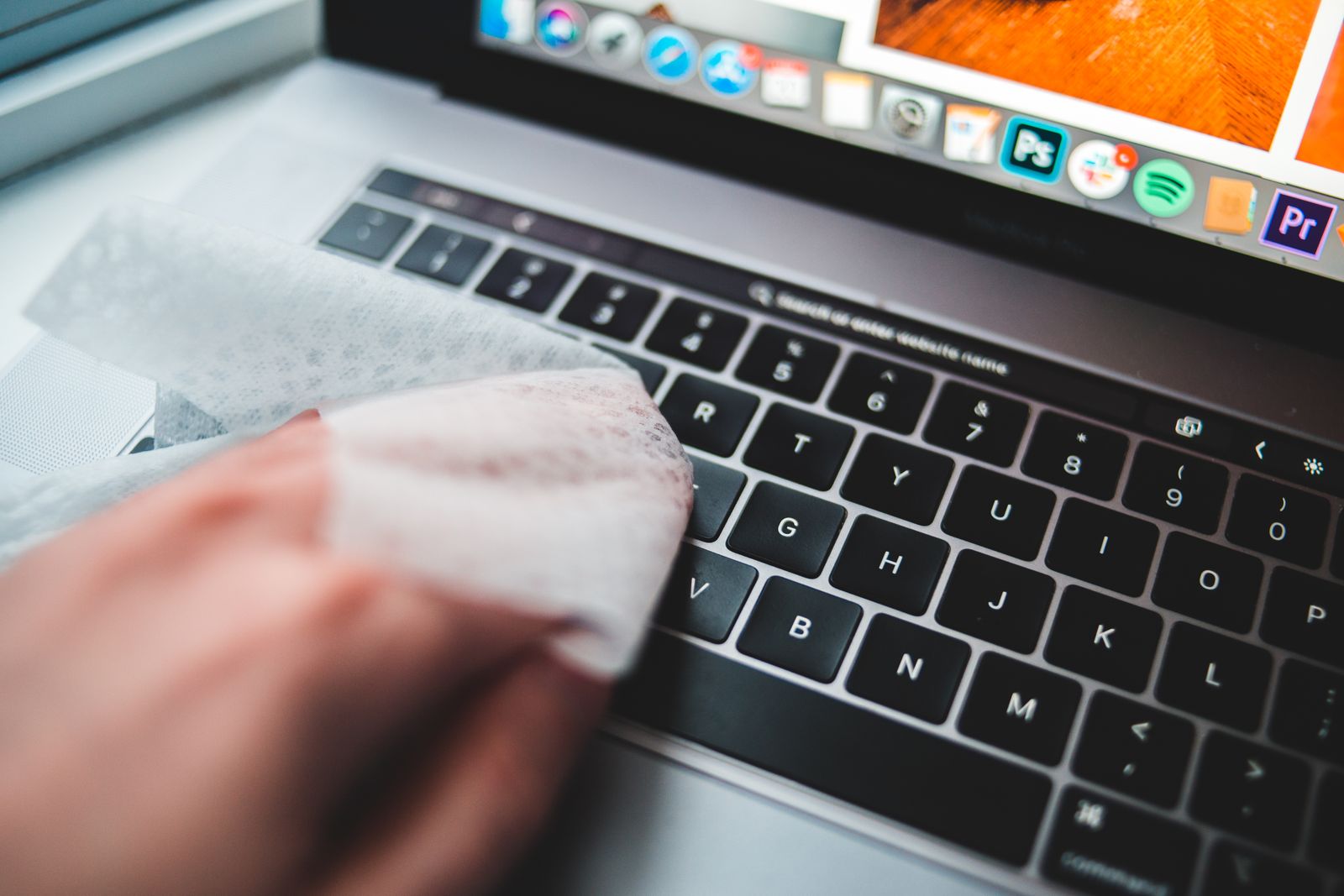
Disconnect equipment before routine care, use product-safe materials, avoid forcing liquid into openings, and allow cleaned surfaces to dry fully before reconnecting power.
Power down first
Shut down connected devices, unplug wired gear, switch off wireless equipment, and remove batteries when the product instructions allow it.
Remove loose debris
Use a soft brush, gentle air, or careful tilting to remove dust and particles without forcing debris deeper into switches or openings.
Wipe controlled surfaces
Use a clean microfiber cloth that is dry or only lightly damp, following the care guidance for the specific material and finish.
Dry and inspect
Confirm that ports, seams, switches, controls, lenses, cushions, and cable connectors are dry and free of residue before use.
Maintenance Rhythm
Create a Care Schedule
Light, regular care is usually easier than waiting for dust, cable strain, sticky controls, blocked ventilation, worn cushions, or unstable mounts to become obvious.
Desk and mousepadWeeklyClear dust, crumbs, moisture, and objects that interfere with sensor tracking or stable equipment placement.
Keyboard and mouseWeeklyBrush loose debris, wipe contact surfaces, inspect feet, check cable strain, and confirm consistent input.
Headset and microphoneWeeklyWipe contact areas, inspect cushions, check the boom or arm, and confirm connectors remain secure.
Monitors and camerasMonthlyUse suitable screen or lens care, inspect mounts, and confirm ventilation openings remain clear.
Simulation and VR gearMonthlyInspect bolts, clamps, straps, lenses, tracking surfaces, pedals, moving joints, and calibration.
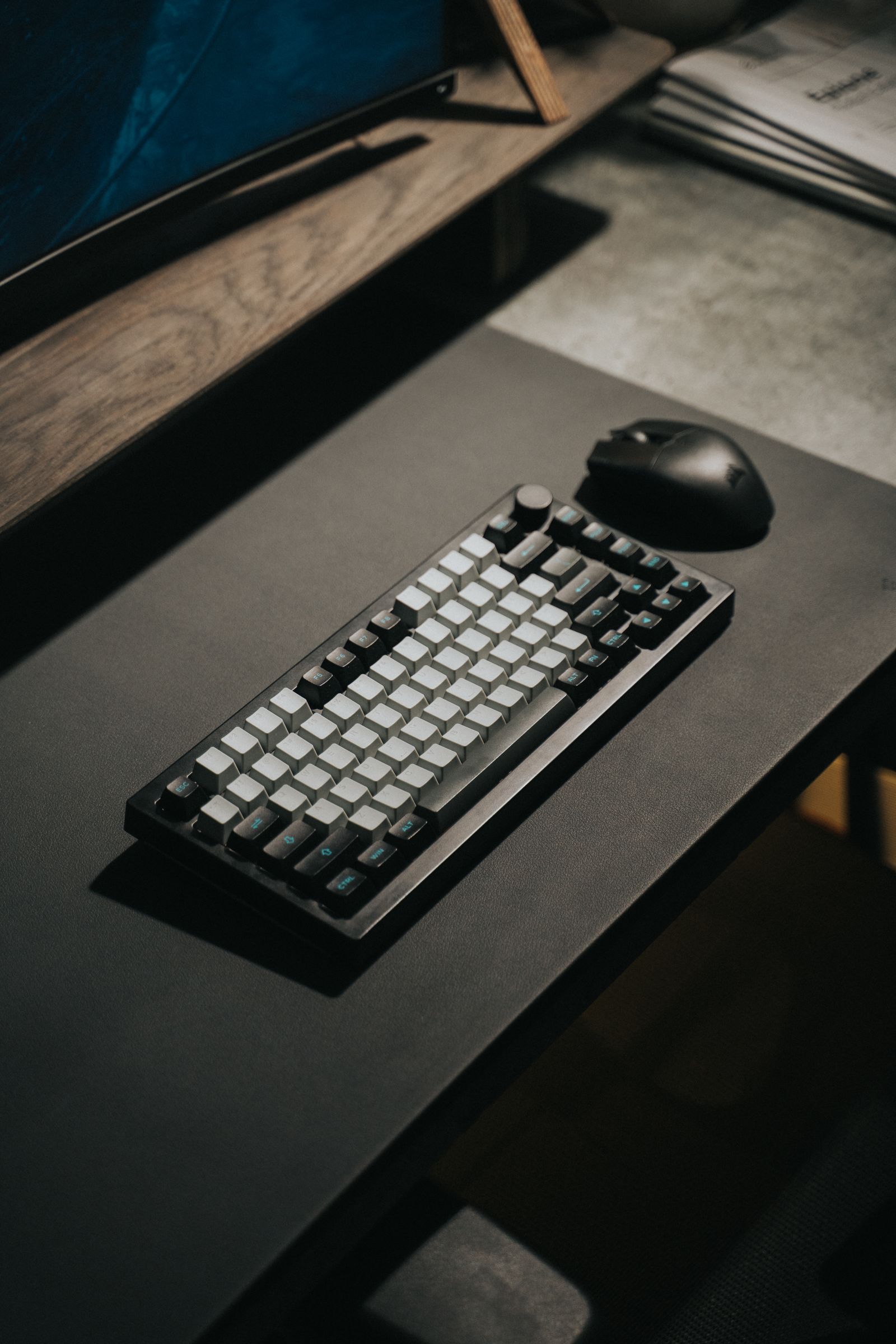
Power & Cable Control
Protect Every Connection
Cable routing should support movement, ventilation, charging, and maintenance without pulling on ports or trapping power supplies beneath unstable equipment.
Use the correct power equipment
Match the supplied power adapter, voltage requirements, charging cable, and connector orientation.
Separate signal and power paths
Organize video, audio, USB, network, and power cables so connectors remain identifiable and accessible.
Leave movement allowance
Provide enough cable slack for monitor arms, microphone booms, chairs, controllers, wheels, and adjustable desks.
Inspect high-stress points
Check bends near connectors, crushed cable channels, loose plugs, exposed wiring, and heat around adapters or hubs.
Comfort Calibration
Tune the Station to You
Comfort settings should support control, visibility, and movement without forcing the body around the equipment. Recheck the arrangement after long sessions or when adding new gear.
Screen position
Align the main display with the normal viewing direction and keep secondary screens readable without repeated twisting.
Visual comfortControl reach
Keep frequently used controls close enough to operate without leaning, overreaching, or lifting the shoulders.
Input comfortSession reset
Take regular breaks, change position, rest the eyes, and recheck heat, sound level, grip pressure, and seating.
Session comfort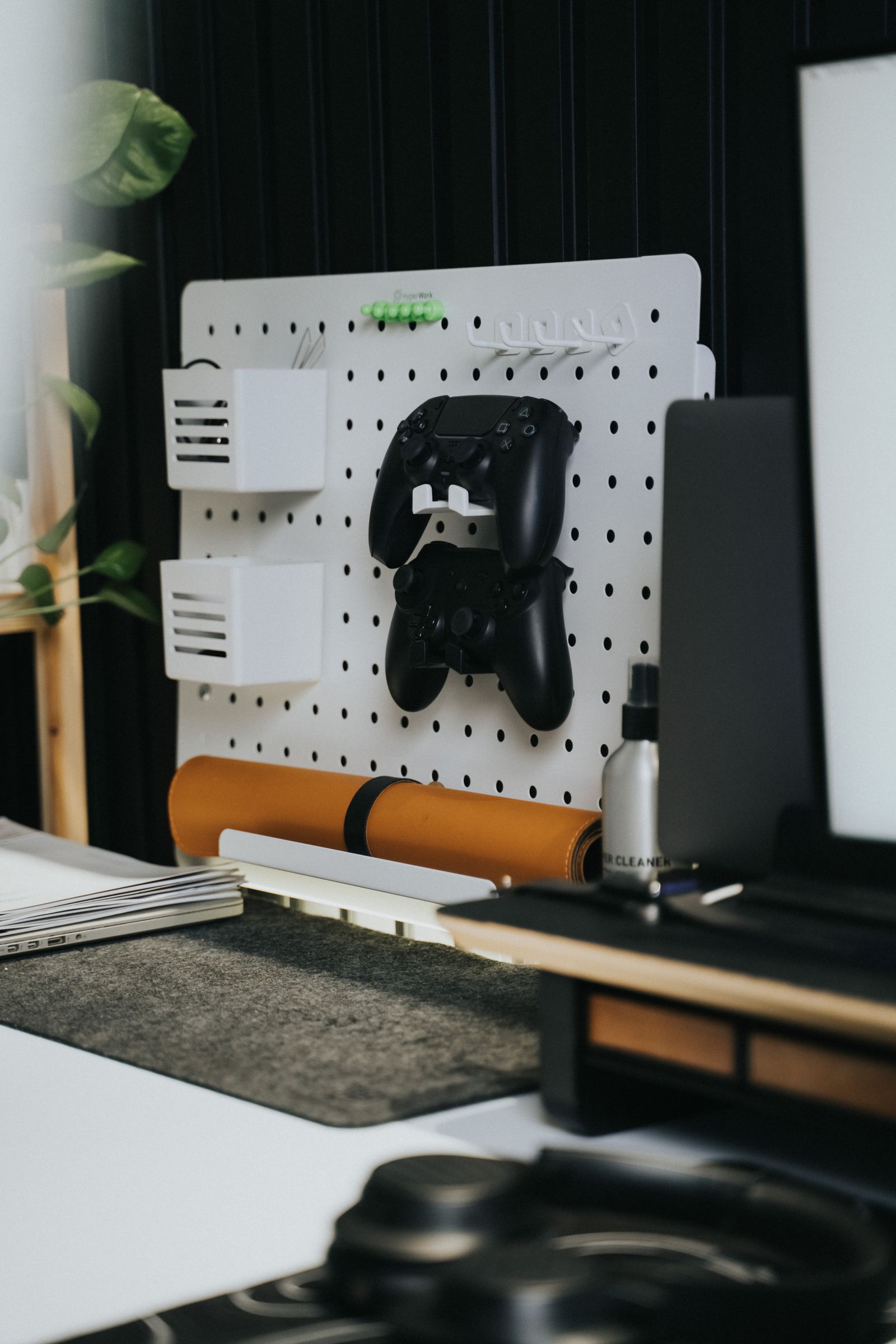
Setup & Care Questions
Quick Answers
Review concise guidance about cleaning, cable routing, compatibility, placement, updates, storage, calibration, and support information.
What should I check before connecting new gaming gear?
Confirm platform support, operating system, ports, wireless standards, power requirements, included parts, software, dimensions, mounting, and available desk space.
How should I clean a keyboard or mouse?
Disconnect the product, remove loose debris gently, use a clean product-safe cloth, avoid forcing liquid into openings, and allow the equipment to dry fully.
Can I use household cleaners on gaming equipment?
Avoid harsh chemicals, abrasive materials, and excessive liquid. Follow the care guidance for the product material, finish, screen, lens, cushion, or coating.
How often should I inspect cables and mounts?
Inspect high-stress connections, clamps, stands, arms, adapters, and cable bends regularly and after moving or reconfiguring the setup.
What should I do after installing software or firmware?
Restart when required, confirm the product is recognized, review permissions, test core controls, verify saved profiles, and recalibrate when applicable.
How should I store gear that is not used every day?
Clean and dry the product, protect lenses and connectors, avoid cable strain, keep smaller parts together, and store equipment away from moisture, heat, and unstable surfaces.
What information helps with setup support?
Provide the product name, gaming platform, operating system, available connections, setup dimensions, intended use, observed issue, and troubleshooting already completed.
Need Setup or Care Guidance?
Share the product name, gaming platform, available connections, setup dimensions, intended use, observed issue, and troubleshooting already completed.
ProArena Service Ledger
Support Built Into Every Order
Delivery, returns, savings, and continuous assistance remain connected from product selection through long-term ownership.
No shipping fee or minimum-order requirement is needed.
Orders are expected within the published delivery window.
Eligible products receive return and exchange support within 30 days.
The 15% sitewide discount activates after successful email subscription.
Eligible promotional gaming gear displays automatic 20% savings.
Help remains available for products, compatibility, orders, delivery, returns, setup, and care.